Speak, and it types for you.
Private voice-to-text for Mac. Press a key in any app, talk, and clean text appears where your cursor is.
Your first 1,000 words and 2 meetings are free. For Apple Silicon Macs.
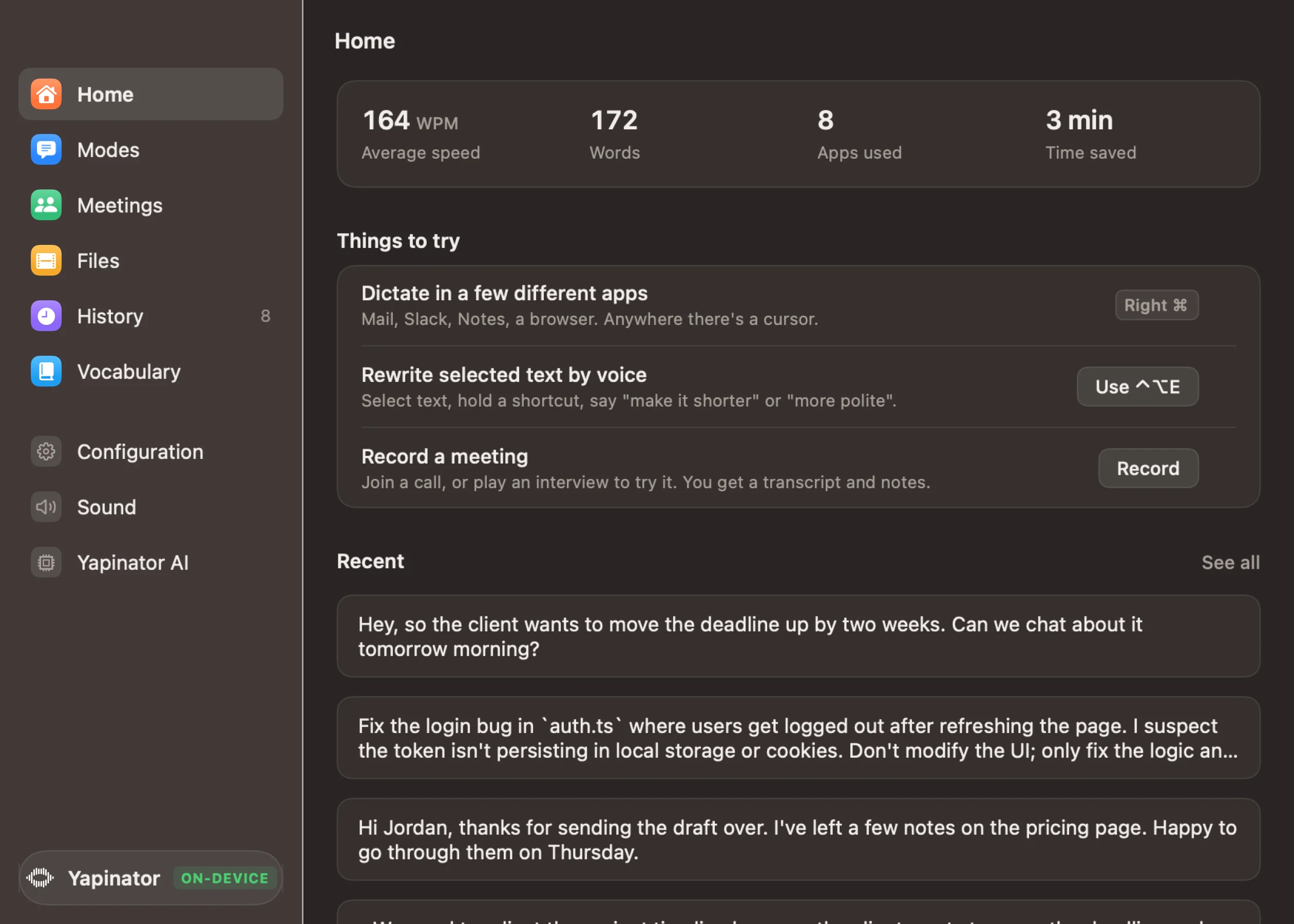


 Dictating in Slack
In daily use at
- SOUDCOH
- RMIT University
- Independent studios
See it in a minute
One shortcut, any app, and your words land the way you meant them.
Works wherever you can type
Mail, Slack, Notion, your code editor, a browser tab. If there's a cursor, Yapinator can type there.
Talk the way you think. Read what you meant.
Fillers, false starts and "I mean" corrections come out. Pick a mode and it also shapes the text for where it's going.
What you said
What it typed
Meeting notes, without a bot in the call
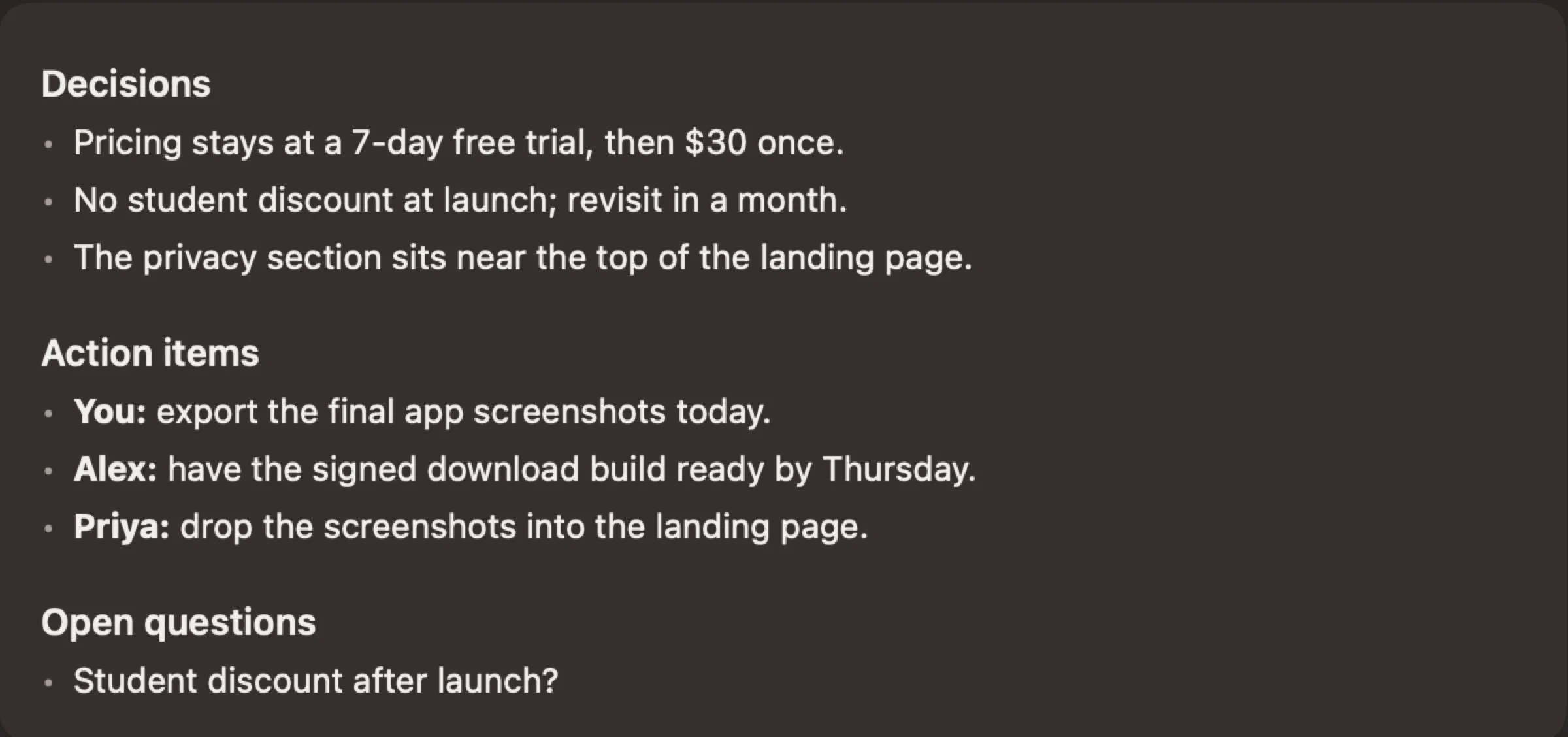
Yapinator records your mic and your Mac's sound, so it works with Zoom, Meet, Teams or anything else. Afterwards you get a transcript with who said what, plus the decisions and action items.
- Learns voices, so names come back next time
- Ask questions across all your meetings
- Audio is kept only if you want it

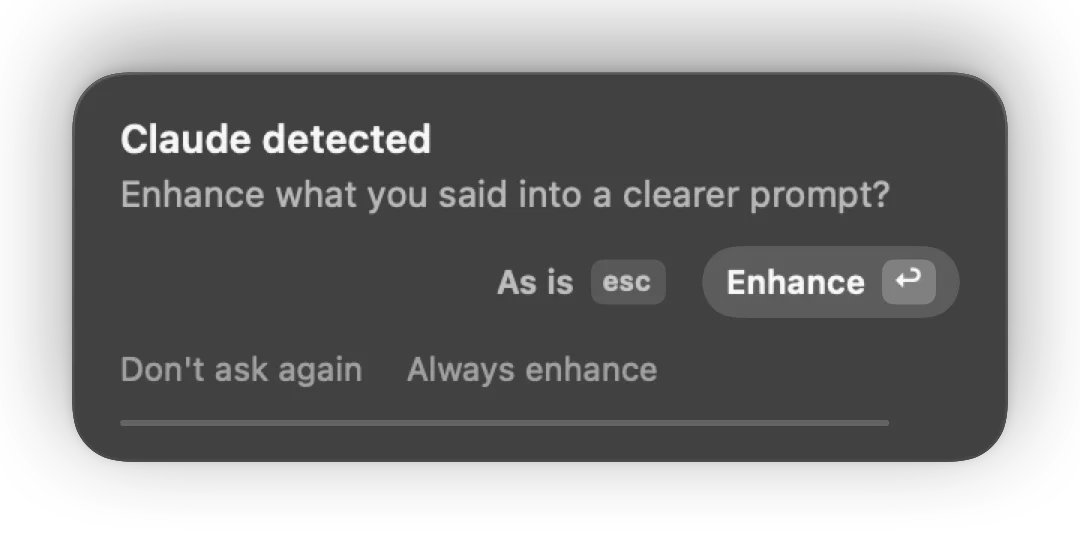
Better prompts for Claude, Cursor and ChatGPT
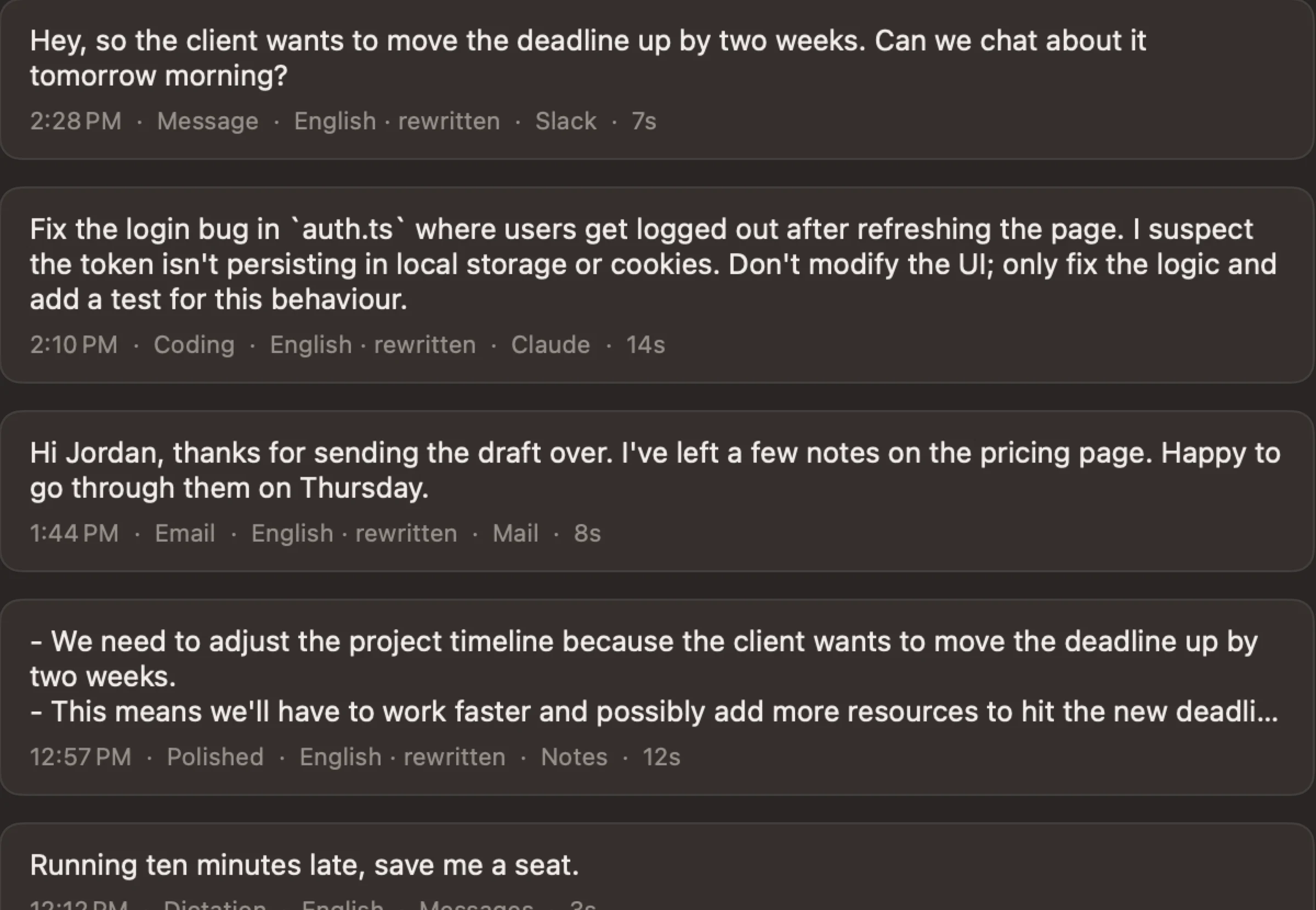
Talk through the problem the way you would to a colleague. In an AI app, Yapinator offers to turn it into a clear prompt before it pastes. Return says yes, Esc says no.
You said
so the login thing is broken again in auth dot ts like when you refresh the page you get logged out I think the token isn't being saved, don't touch the UI just fix the logic and add a test
Claude got
Fix the login bug in auth.ts where users get logged out after refreshing the page. I suspect the token isn't persisting in local storage or cookies. Don't modify the UI; only fix the logic and add a test for this behaviour.
Transcripts and subtitles from any file
Drop in a recording, a lecture or a video. You get text, or SRT and VTT subtitles ready for Premiere, DaVinci, CapCut and YouTube, with speakers labelled if you like.



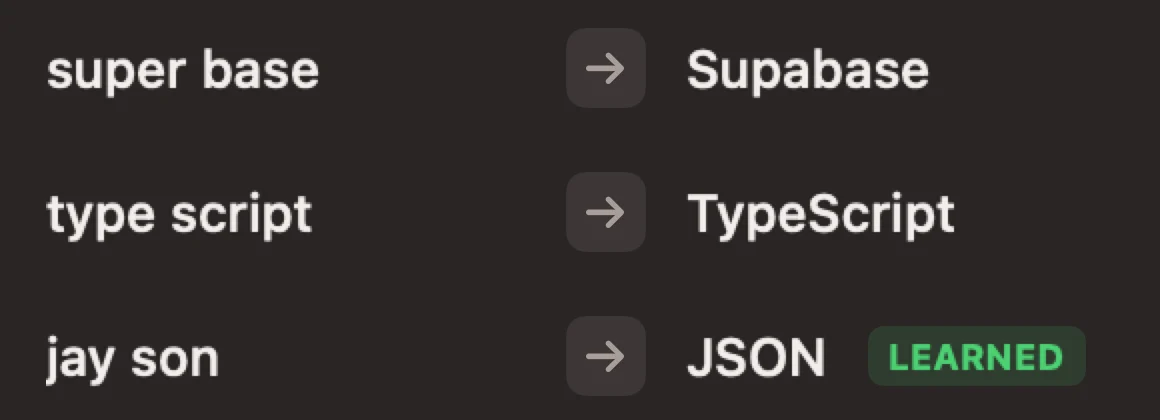
It learns your words
Add names, products and jargon once and they're spelled right from then on. Fix a word after it's typed and Yapinator offers to remember the fix. Snippets type your address or sign-off when you say "my address".
Everything you've said, searchable
Each dictation is saved with the app it went to and the mode it used, so you can find it again or paste it somewhere else. Set it to forget after a day, a week, or never.
Made for developers
Anyone who writes more than they'd like to type.
About 100 languages
English is instant. The All languages pack covers Hindi, Spanish, French, Japanese and many more, and can translate into English.
Kind to stammers
Repeated words and broken-off sounds are cleaned up, and words you repeat on purpose stay. Tested on 231 recordings of real stuttered speech.
All of it runs on your Mac
Speech, writing help and meeting notes run on Apple Silicon with the Wi-Fi off. There's no account, and nothing you say is sent anywhere.

- No accountDownload it, open it, talk.
- Few connectionsPacks, your licence and updates. Nothing you say. The offline lock turns it all off.
- Your folderHistory and meetings sit in a folder you can delete.
What people say
Pricing
Regular price $119
$50
Once. Not a month, not a year. Your first 1,000 words and 2 meetings are free.
Launch offer: $30 with a code. Get the code
- Dictation in every app
- Meeting notes with speaker names
- About 100 languages
- Prompt enhancing and edit by voice
- Transcripts and subtitles from files
- Voice notes and snippets
Apple Silicon Mac (M1 or newer), macOS 15 or later. Prices in US dollars.
Questions
Does it really work offline?
Yes. Once you've downloaded a language pack, dictation, meeting notes and the writing features all run on your Mac with the Wi-Fi off.
Which Macs does it run on?
Macs with Apple Silicon (M1 or newer) running macOS 15 or later. Intel Macs aren't supported.
How much space does it take?
The app is about 12 MB and the English pack is 465 MB. The rest are optional: All languages (574 MB), Writing (1.3 GB) and Voices (15 MB).
Does a bot join my meetings?
No. Yapinator records your mic and your Mac's sound, so nothing joins the call. Tell people you're recording; the law where you live may require it.
Is my audio saved?
Dictation audio is thrown away once it's typed, unless you turn on keeping it. Meetings keep audio only if you choose to. Everything lives in a folder on your Mac.
Does it handle stammering?
Yes. It removes fillers, repeated words and broken-off sounds, and keeps words you repeat on purpose. We tested it on 231 recordings of real stuttered speech. If you'd rather keep every word, choose "Keep every word".
What's free?
Your first 1,000 words of dictation and your first 2 meetings, with every feature. After that a licence is $50, or $30 with the launch code. There's no subscription and nothing renews.
How do I uninstall it?
Open Yapinator, go to Configuration and choose Remove Yapinator. It moves the app and everything it saved to the Trash. To do it by hand, quit Yapinator, drag it to the Trash, and delete the folder ~/Library/Application Support/Yapinator.
Is there a Windows or iPhone version?
Not yet. Yapinator is Mac only for now. Leave your email below and we'll tell you if that changes.
Get the $30 launch price
Enter your email. We'll show your code here and send it to your inbox.